
Thinking about starting a podcast? One of the first decisions you’ll face is a big one: do you buy your own kit, or book a studio that already has everything ready to go?
Search for a podcast equipment list and you’ll find hundreds of gadgets, all promising to make you sound like a pro. In this guide, we’ll walk through the kit that matters, what it takes to get it right yourself and when booking a studio makes more sense.
Microphones: where your budget matters most
If you only invest in one piece of kit, make it your microphone. Listeners will forgive a lot, but poor audio isn’t one of them.
• Dynamic microphones focus on the sound right in front of them, so they’re forgiving in untreated rooms. That makes them a podcasting favourite.
• Condenser microphones capture more detail, but also more background noise.
USB mics plug straight into your laptop and suit solo shows. XLR mics need an interface or mixer, but give you better quality and more control, especially with two or more people.
At Blueprint Studios, we went for the Shure SM7B, a dynamic mic that’s been an industry favourite for decades. It’s trusted by radio broadcasters and some of the world’s biggest podcasts, including The Joe Rogan Experience. Its predecessor, the SM7, even recorded most of Michael Jackson’s vocals on Thriller.
Buy or book? You’ll need a mic for every speaker, which adds up fast once guests come on. In a studio, every seat already has one, set up and ready.
Headphones: hear what your listeners hear
Wearing headphones while you record means you’ll catch problems as they happen, from a buzzing cable to someone drifting off mic. Closed-back headphones are best, as they stop sound leaking into your microphone.
Buy or book? At home, you’ll need a pair for everyone on the show. In a studio, you can skip them altogether. Our engineer wears them for you, listening out for any issues so you can focus on the conversation.
Audio interfaces and mixers
XLR mics need something to connect them to your computer. An audio interface does the job for one or two people. A podcast mixer gives you more inputs and hands-on control over levels, and some can bring in remote guests live.
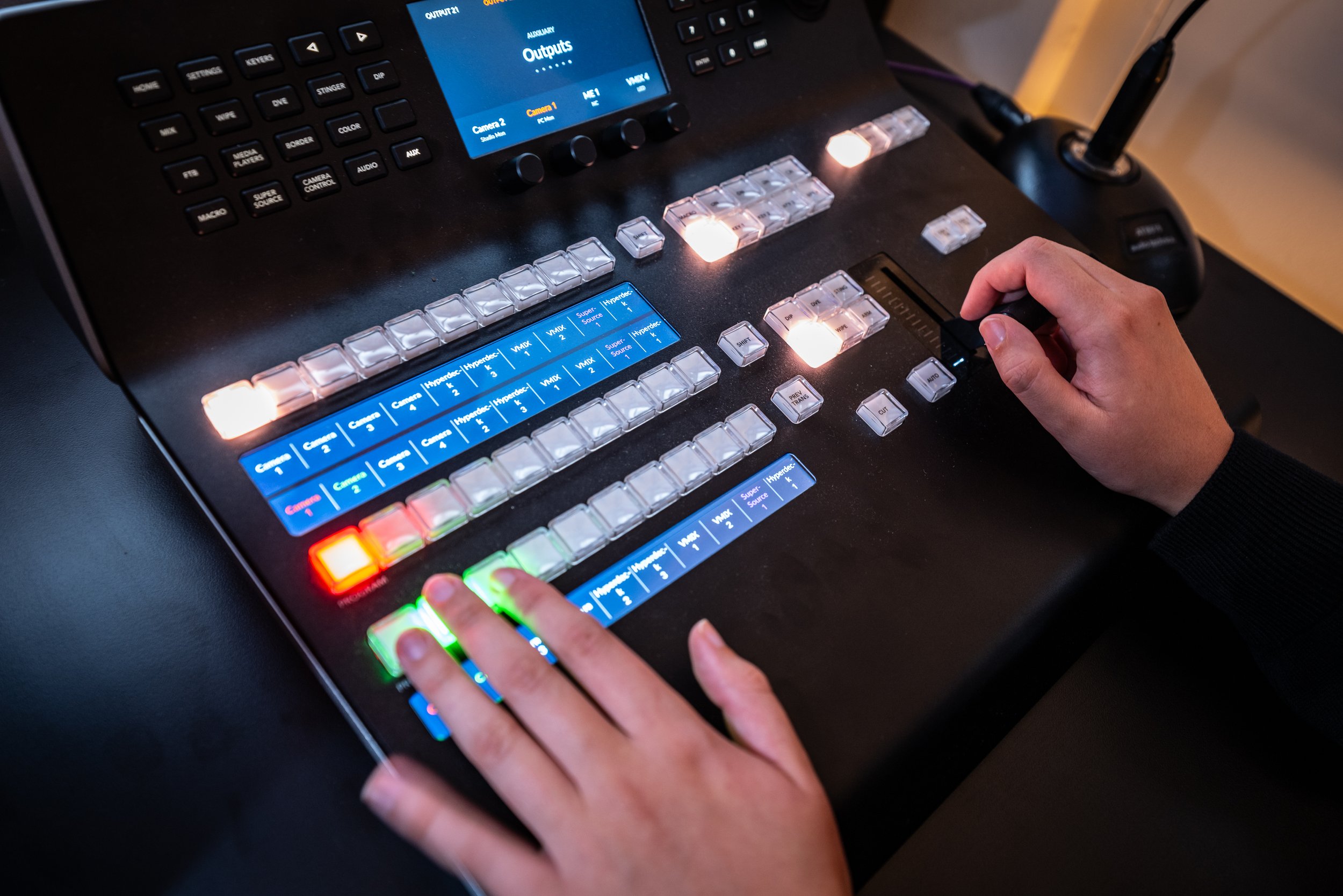
Buy or book? This is where home setups start to get technical. Juggling levels and inputs takes time to learn, and mistakes often don’t show up until the edit. In a studio, someone handles it for you.
Cameras for video podcasts
YouTube is now the biggest podcast platform in the world, with more than 1 billion people watching podcasts on it every month (YouTube, 2025).
And here in the UK, YouTube has just overtaken Spotify for the first time, with 29% of weekly podcast listeners now using it more than any other service (Edison Research, 2026).
So if you’re only recording audio, you could be missing a big chunk of your audience. Video also gives you clips for social and lets listeners see the faces behind the voices. Read more about audio vs video podcasts here.
When choosing a camera, look for 4K resolution (so you can reframe in the edit), no 30-minute recording limit and enough cameras for a wide shot plus one per speaker.
Buy or book? Cameras are one of the biggest costs on the list, and multi-camera setups multiply it, before you even get to syncing and switching. A studio gives you several angles, run by people who do it every day.
Lighting: the secret to looking professional
Lighting is the difference between “recorded in a bedroom” and “recorded in a studio”. The classic setup is three-point lighting: a key light, a fill light to soften shadows and a backlight to separate you from the background.
Buy or book? Lights don’t have to cost a fortune, but getting them right takes practice and space. With pre-lit studio sets, you walk in camera-ready.
Your recording space
This is the one no amount of kit can fix. Even the best mic can’t hide an echoey room, traffic outside or a plane overhead. Soft furnishings and acoustic panels help, but only so much. Read more about recording at home vs in a studio here.
Buy or book? Treating a room properly is a project in itself. A studio is built for sound from the ground up.
Software and extras
You’ll also need recording and editing software (free options are fine to start), plus a few extras: mic arms, pop filters, spare cables and, for scripted content, a teleprompter.
Buy or book? The extras are cheap on their own but add up, and editing takes longer than most people expect. Studios include the extras, and many offer post-production too. At Blueprint Studios we offer end-to-end production at a competitive price, from concepting and branding to editing and distribution, so we can take it all off your hands.
So, should you buy the kit or book the studio?
It depends on your show, your space and how much time you want to spend on the technical side.
Buying your own kit can make sense if:
You’re recording solo or with one co-host
You record often and have a quiet room to do it in
You’re happy to spend time learning the setup
Booking a studio makes more sense if:
You want to film your podcast, especially with more than one camera
You’re bringing on guests
You want dedicated, expert support on the day
You want to look and sound professional from episode one
You’d rather skip the upfront cost and learning curve, and just focus on the conversation
Record your podcast with the right kit at Blueprint Studios
At Blueprint Studios, everything on this list is ready and waiting. Our purpose-built Fulham studio is sound-treated and fully equipped, with multi-camera setups, pre-lit sets, LED screen backdrops, a teleprompter and a full technical gallery. And you won’t be on your own, our expert team can handle the technical side, so you can focus on the conversation.